- Quick Start
- Overview
- Lockers
- Reservations
- Orders
- Customers
- Products
- Overwrite codes
- Virtual Vending Machine
- Settings
- User Settings
- Log in to https://app.viresmo.com. Select your organisation and your store.
A reservation can be created at "Overview", "Reservations" or at "Lockers". For more information about the other pages, see:
- Lockers - How do I create a reservation?
- Reservations - How do I create a reservation?
If your webshop was created via Slagers Online, your orders will automatically be added to the reservations in the queue. Go to How do I place a reservation in a box? to assign a reservation to a box.
- In the menu on the left, go to "Overview".
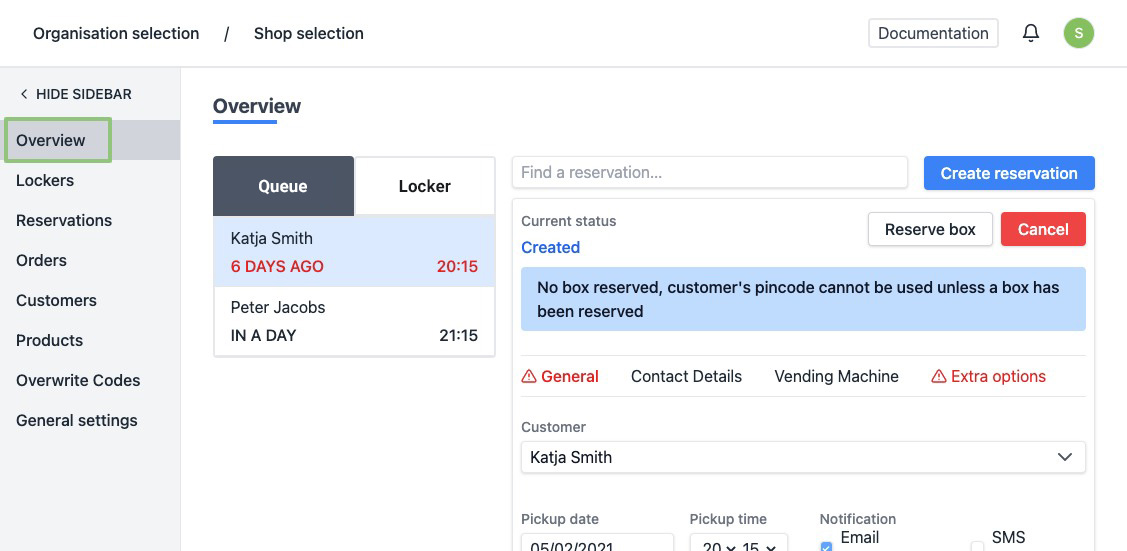
- You will see an overview of all your reservations in the queue.
- At the top right, click "Create reservation".
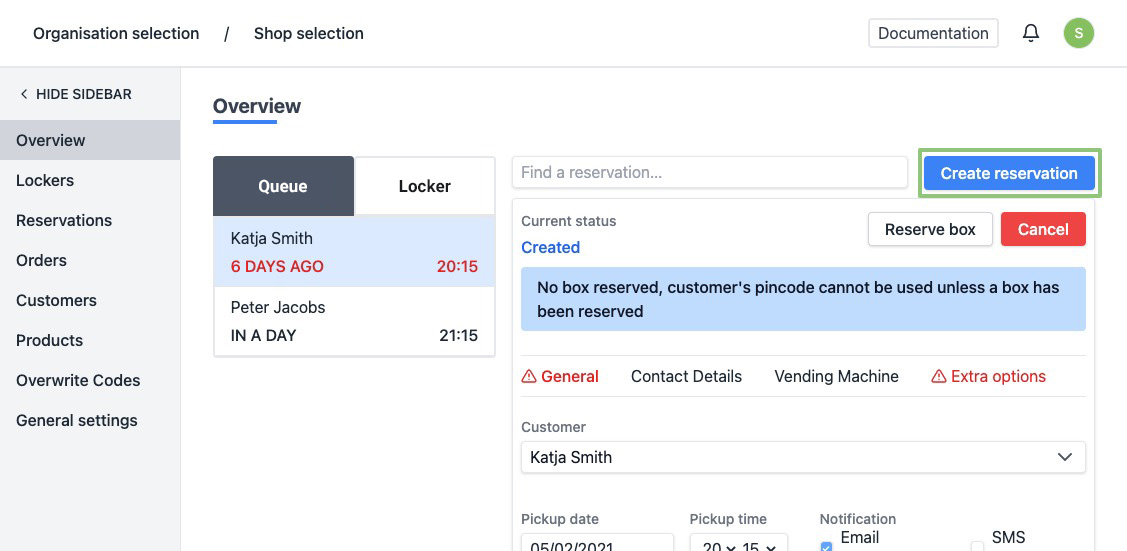
- On the right part of the page you will see a form to make a reservation.
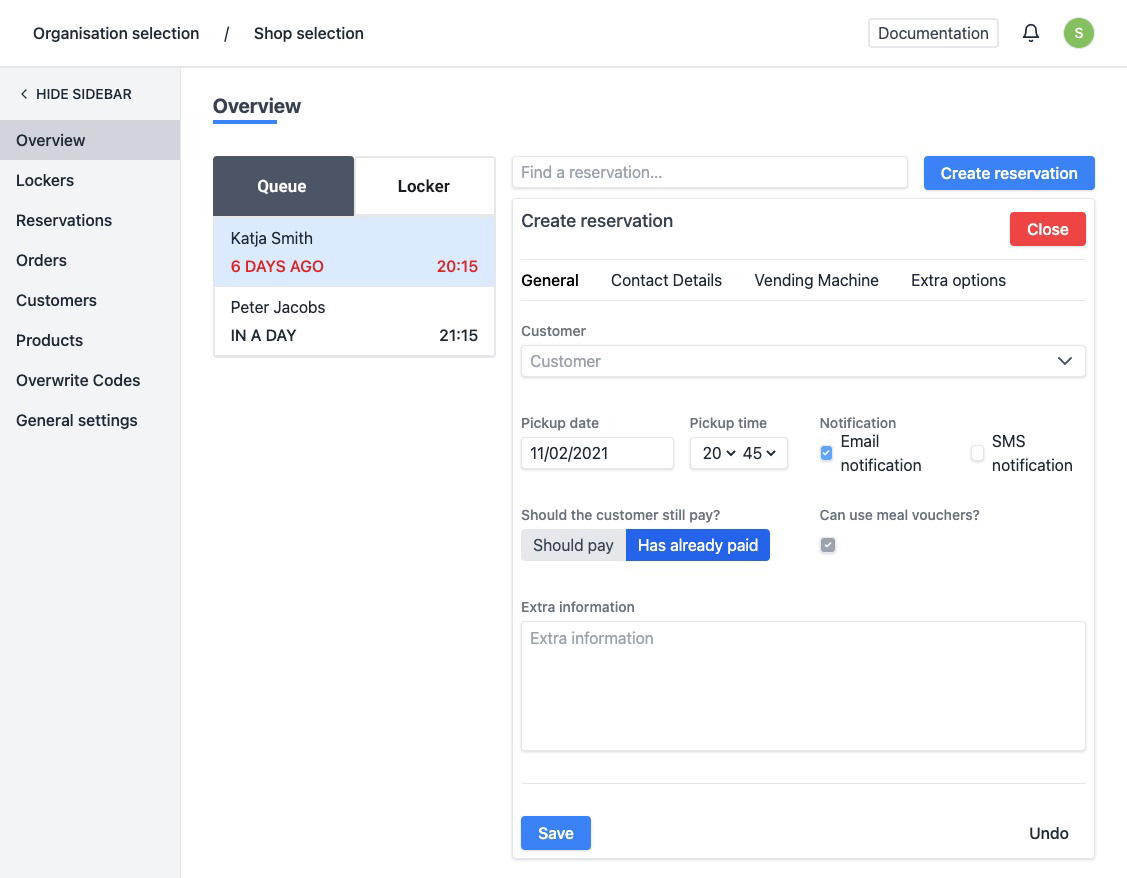
Enter the details of the reservation:
- Customer - You can search for an existing customer by typing his name or create you can create a new customer. See step 7 for more information about the fields when creating a new customer.
- Collection details: Pickup date and Pickup time
- Notification - Will the code be sent to the customer via email, SMS or both?
- Does the customer still have to pay?
- Has already paid
- Should pay - To use this, you need to create an account with our payment partner Mollie and link it to the platform. For more information on how to link this, see How do I activate my payment account?. If this option is checked and you want to place the order in a box, you will be asked to enter the amount to be paid. The customer will receive an email with a payment invitation at x-hour before the requested collection time. When the customer has paid, he will automatically receive his code.
- Can use meal vouchers? - Only available if the order still has to be paid.
- Extra information
At the top of the form you can go to the tab "Extra options". Here you can enter some extra information:
- Do not automatically generate a pin code - Check this if you want to define a pin code yourself.
- PIN Code - Enter this if you want to define a PIN code yourself. The PIN code must consist of 4 digits.
- Reserve box(s) - Check this if you do not want to automatically delete the reservation after collection, this way you can, for example, put a key in a box for your cleaning staff.
- Send notification automatically - Uncheck this if you do not want the code to be sent automatically to the customer.
- If you chose to create a new customer, you will see a form. Fill in the customer's details and then click on "Save". The new customer is automatically added to your customer list.
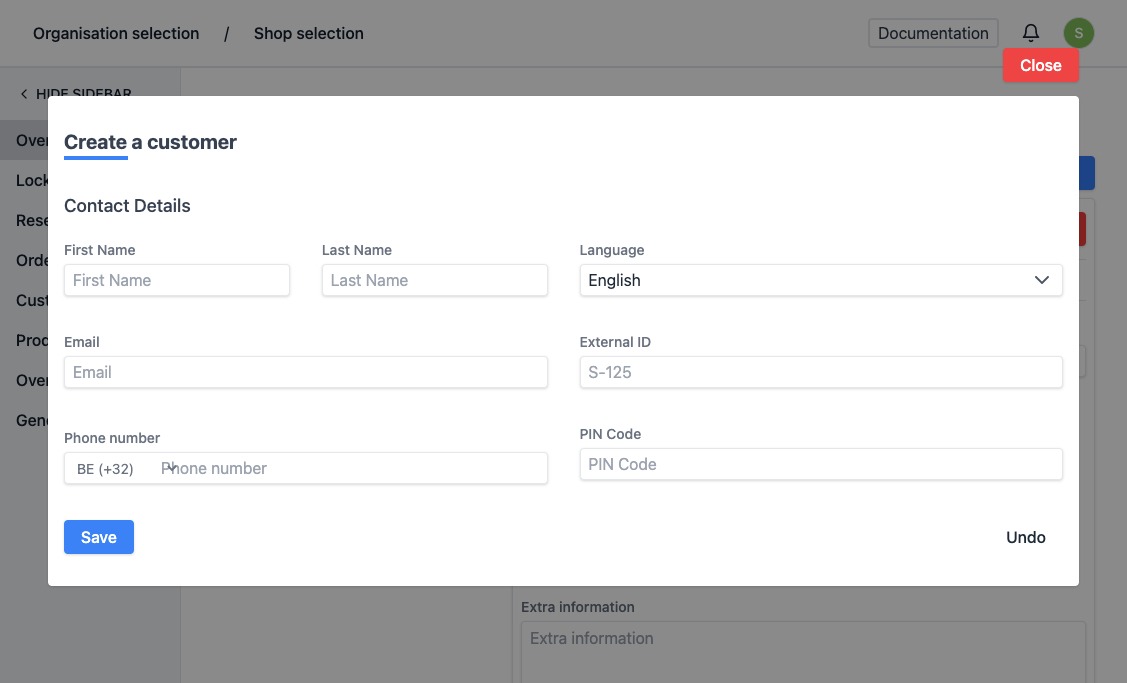
- First name (required)
- Last Name (required)
- E-mail - If the customer would like to receive his code by email, fill in this field. You can assign multiple email addresses to 1 customer.
- Phone number - If the customer would like to receive his code via SMS, fill in this field.
- Language
- External ID - You can use this field to link with, for example, a customer card.
- PIN Code - You can create a personal pin code for a customer. This way, the customer can always use the same code for picking up a delivery. Attention, obvious codes such as "12345" or "77889" will not be accepted. If you enter this code anyway, you will see an error message. If you enter this code anyway, you will see an error message. If you reserve a box for this customer, the system will not generate a code but send this predetermined fixed code to the customer.
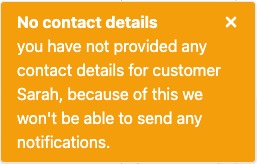
It is recommended to fill in at least 1 of the contact details (email or phone number) when creating a customer. If not, there is no possibility to notify the customer of the status of his order. If both fields were left empty, you will see a message after creation.
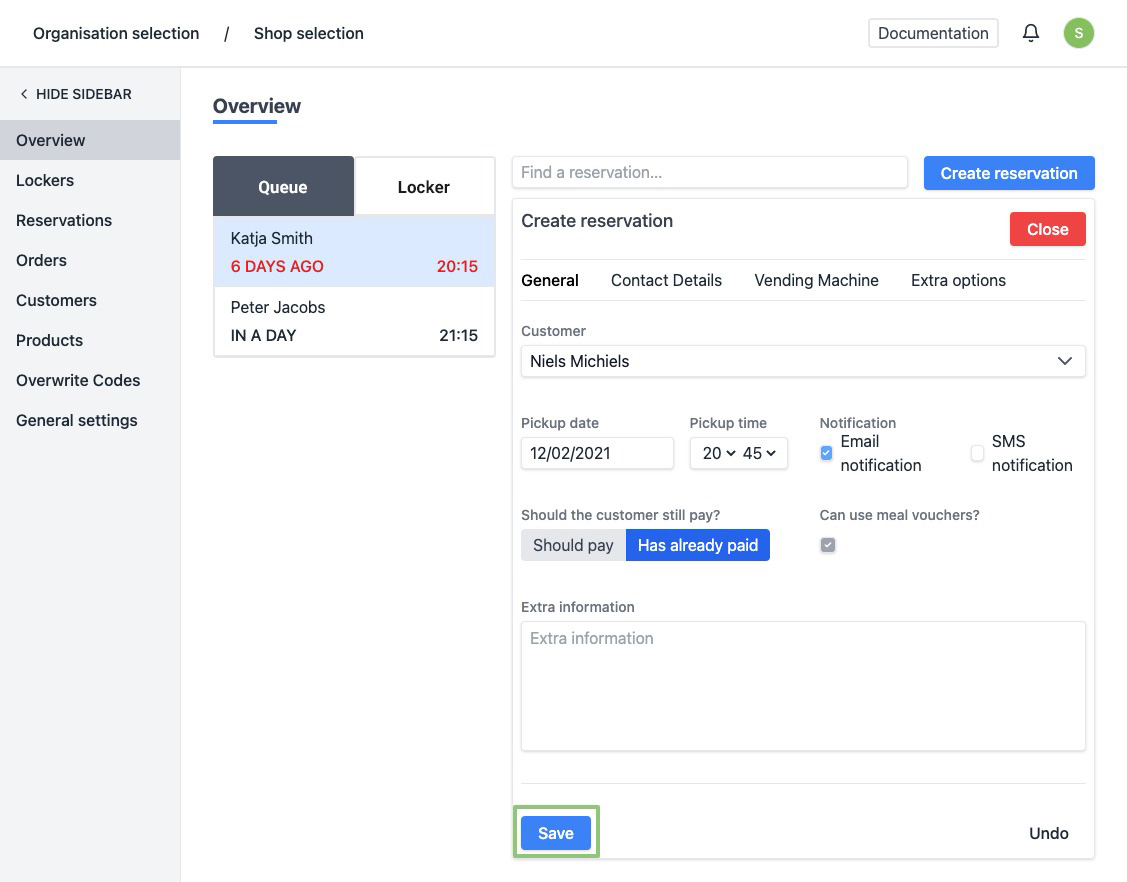
- When all reservation details have been entered, click on “Save”.
- When created successfully, the page will be refreshed automatically and you can find the status of the reservation at the top. The reservation has automatically been added to "In Wachtrij" list at the left. At the bottom right you will see a message saying the reservation has been created successfully.
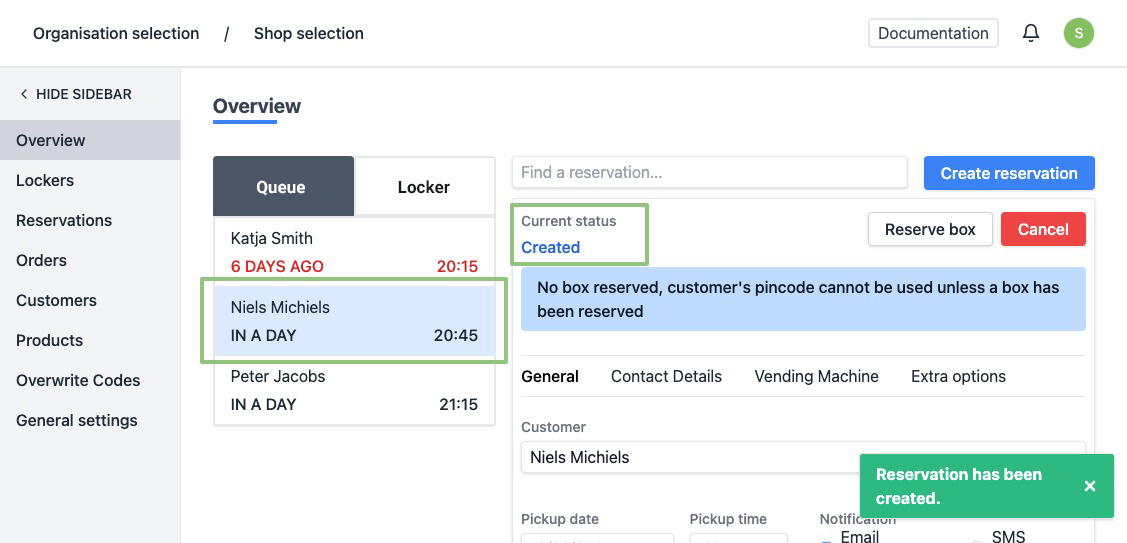
- Once a reservation has been made, a box must be assigned to it.
For more information on how to place a reservation in a box, see __How do I place a reservation in a box?__tua