How do I activate my payment account?
Show Menu
- Quick Start
- Overview
- Lockers
- Reservations
- Orders
- Customers
- Products
- Overwrite codes
- Virtual Vending Machine
- Settings
- User Settings
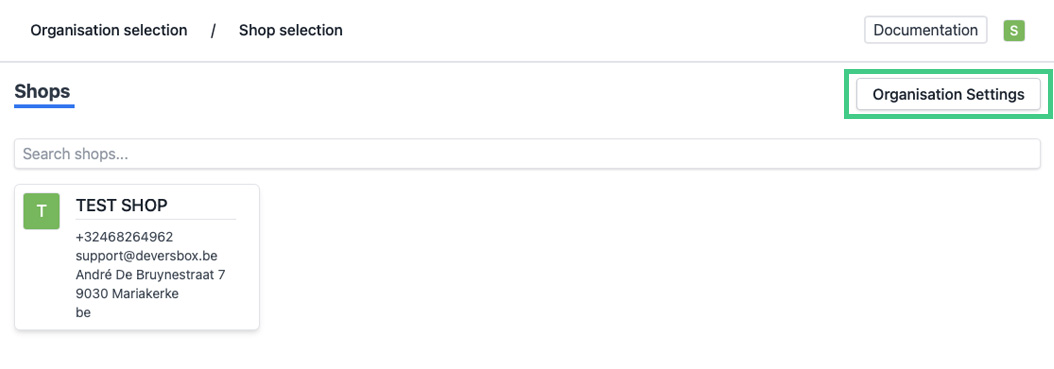
- Log in to https://app.viresmo.com. Select your organisation and, on the top right, click on "Organisation Settings".
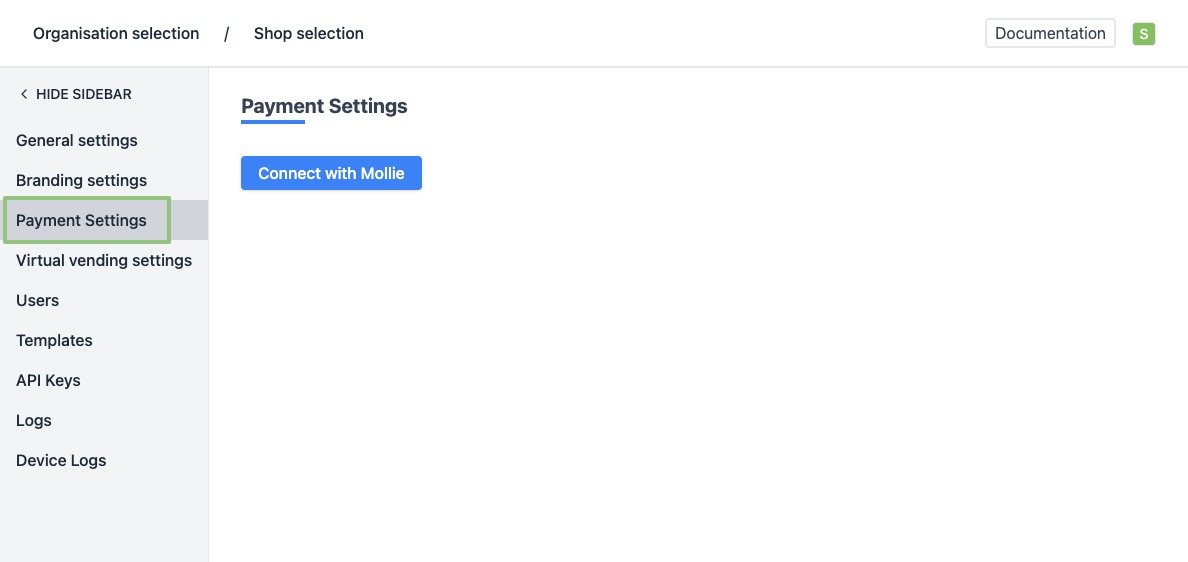
- In the menu on the left, go to "Payment settings".
- Click on "Connect with Mollie".
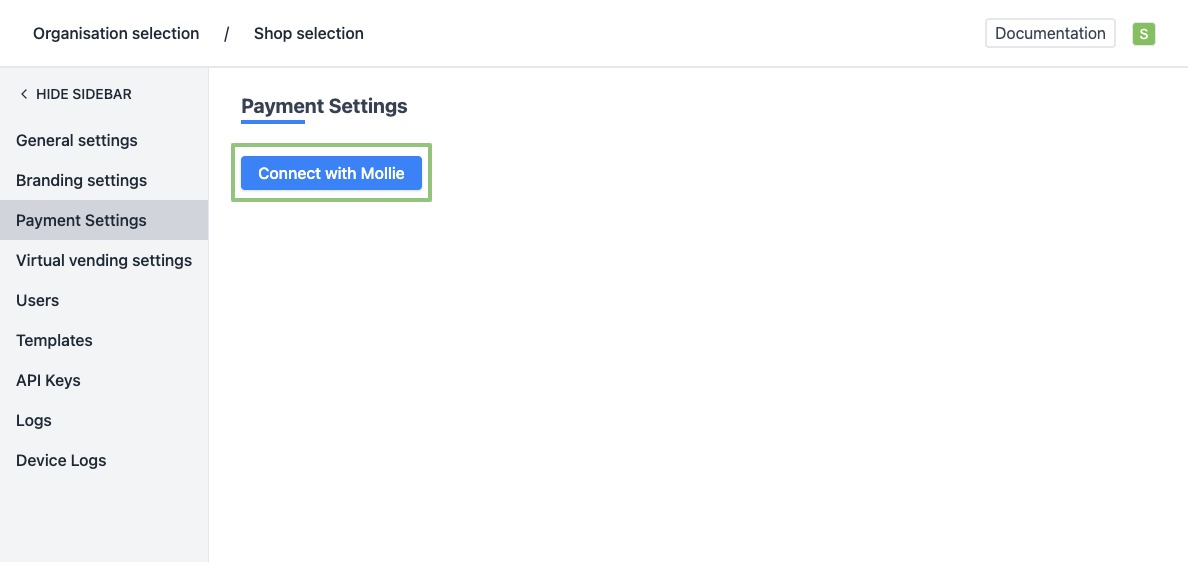
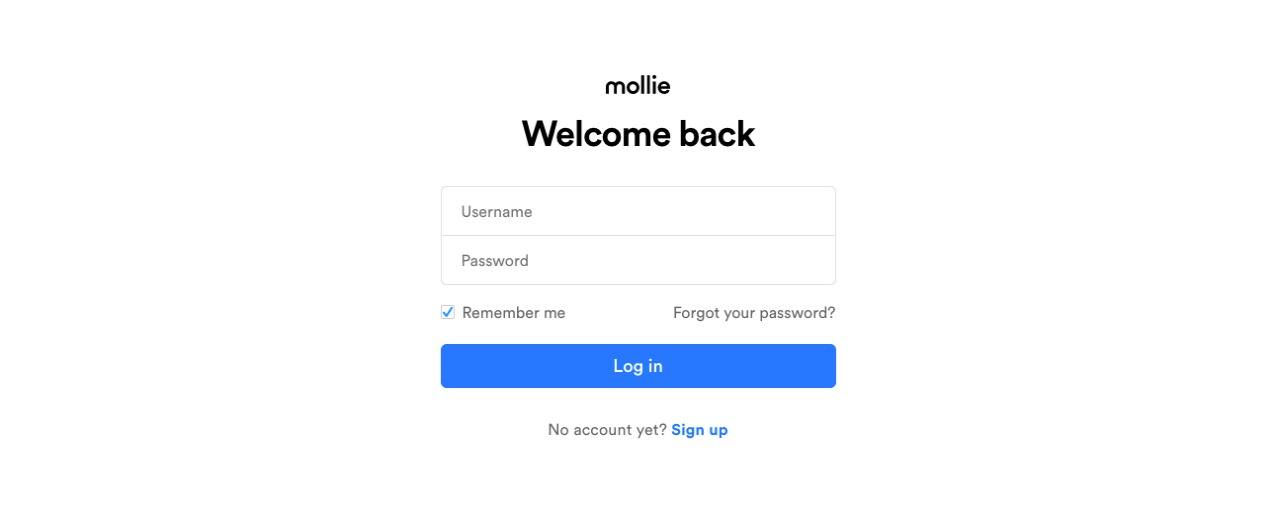
- You will be redirected to the registration page of our payment provider Mollie. Don't have a Mollie account yet? First create an account and then log in.
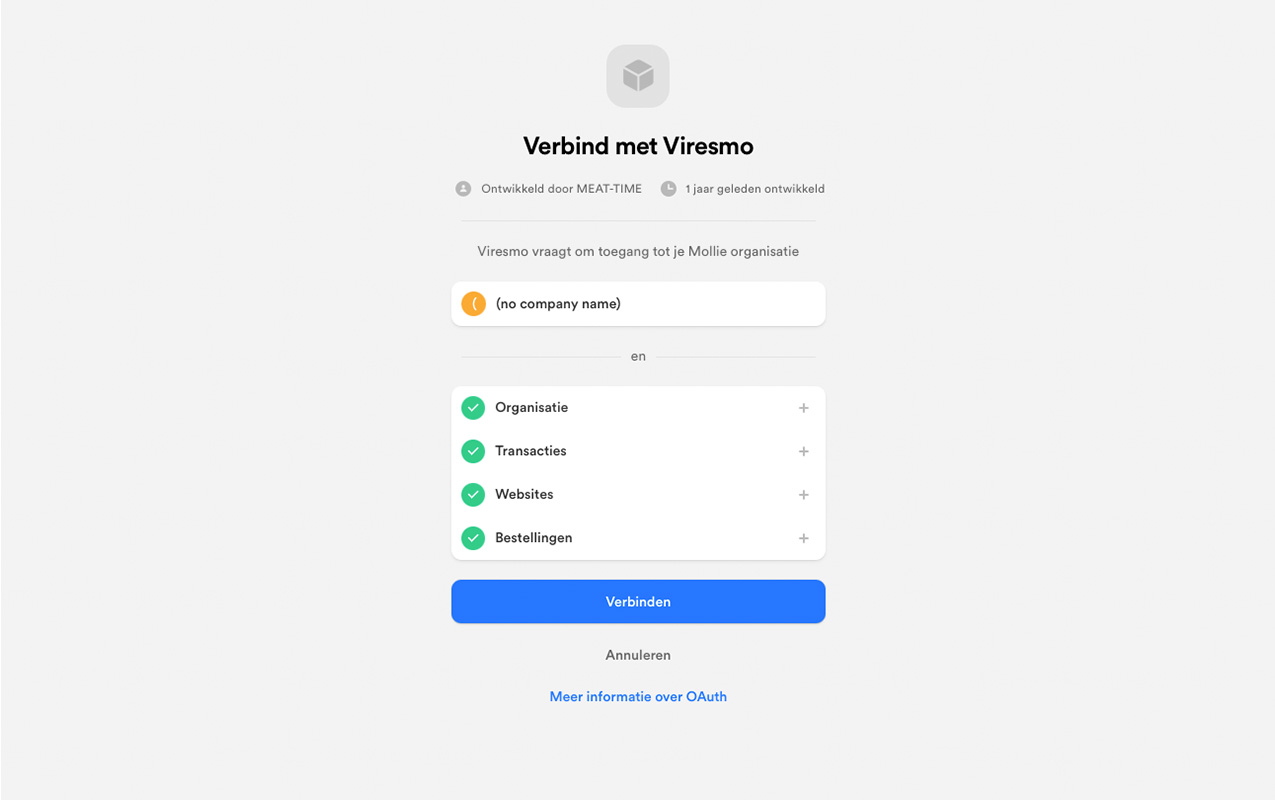
- After registering you will be asked whether you want to give Viresmo access to your Mollie organisation. Confirm this by clicking on "Connect".
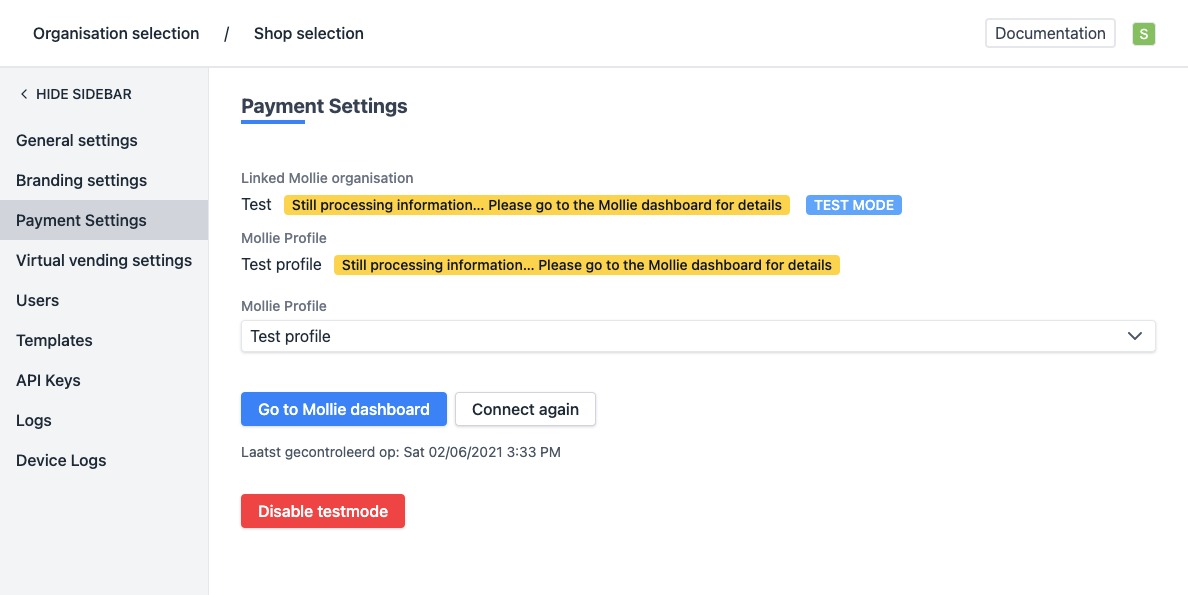
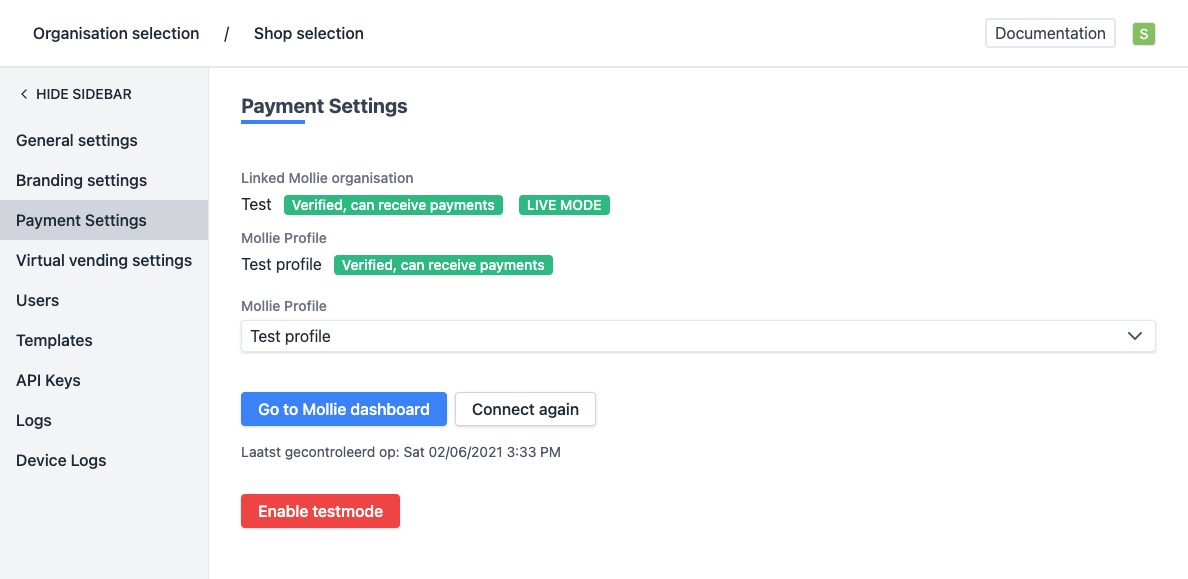
- After having confirmed, you will be automatically redirected to the management platform again. Go, once more, to "Payment Settings" (see steps 1 and 2). The details and status of your payment settings are now visible on this page.
If your account has been linked correctly, you will see the status "Verified, can receive payments".
If the status indicates: "Data still processing, view the Mollie dashboard for more information", it is recommended to log in to your Mollie account and check which data is missing. Your Mollie account must be activated in order to function correctly.
For more information about Mollie and how to activate your account, see the Mollie helpdesk.