How do I create a reservation for the Virtual Vending Machine?
Show Menu
- Quick Start
- Overview
- Lockers
- Reservations
- Orders
- Customers
- Products
- Overwrite codes
- Virtual Vending Machine
- Settings
- User Settings
- Log in to https://app.viresmo.com. Select your organisation and your store.
A reservation can be created at "Overview", "Reservations" or at "Lockers". For more information about the other pages, see:
- Lockers - How do I create a reservation for the Virtual Vending Machine?
- Reservations - How do I create a reservation for the Virtual Vending Machine?
- In the menu on the left, go to "Overview".
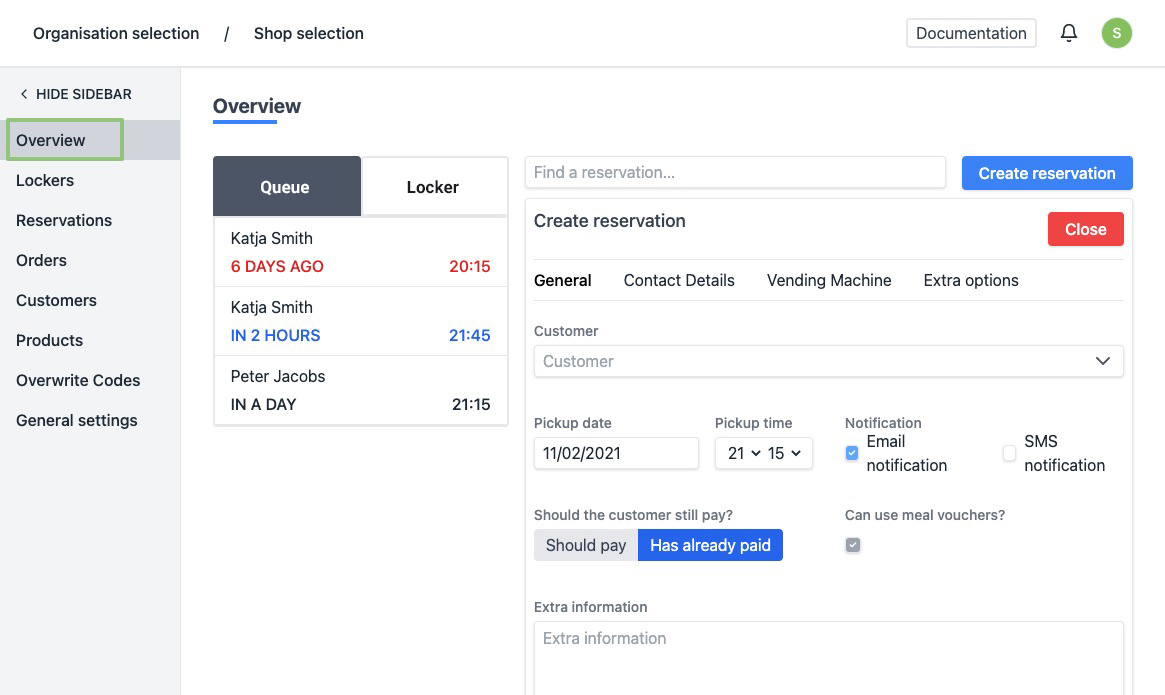
- You will see an overview of all your reservations in the queue.
- At the top right, click "Create reservation".
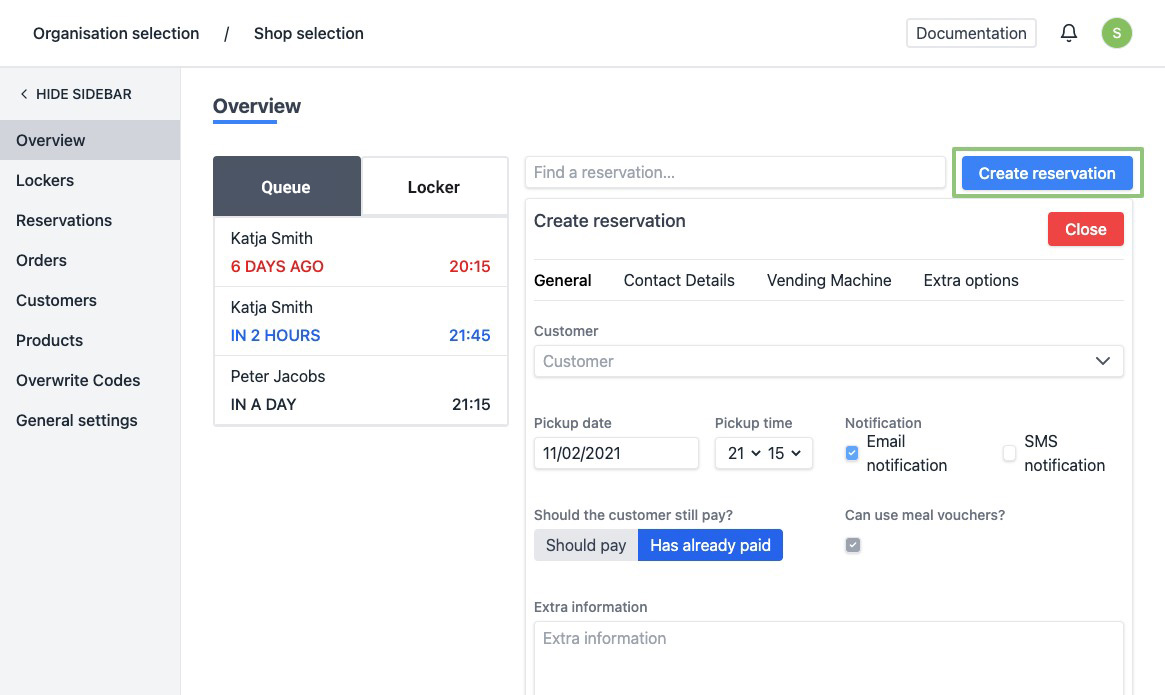
- On the right part of the page you will see a form to make a reservation.
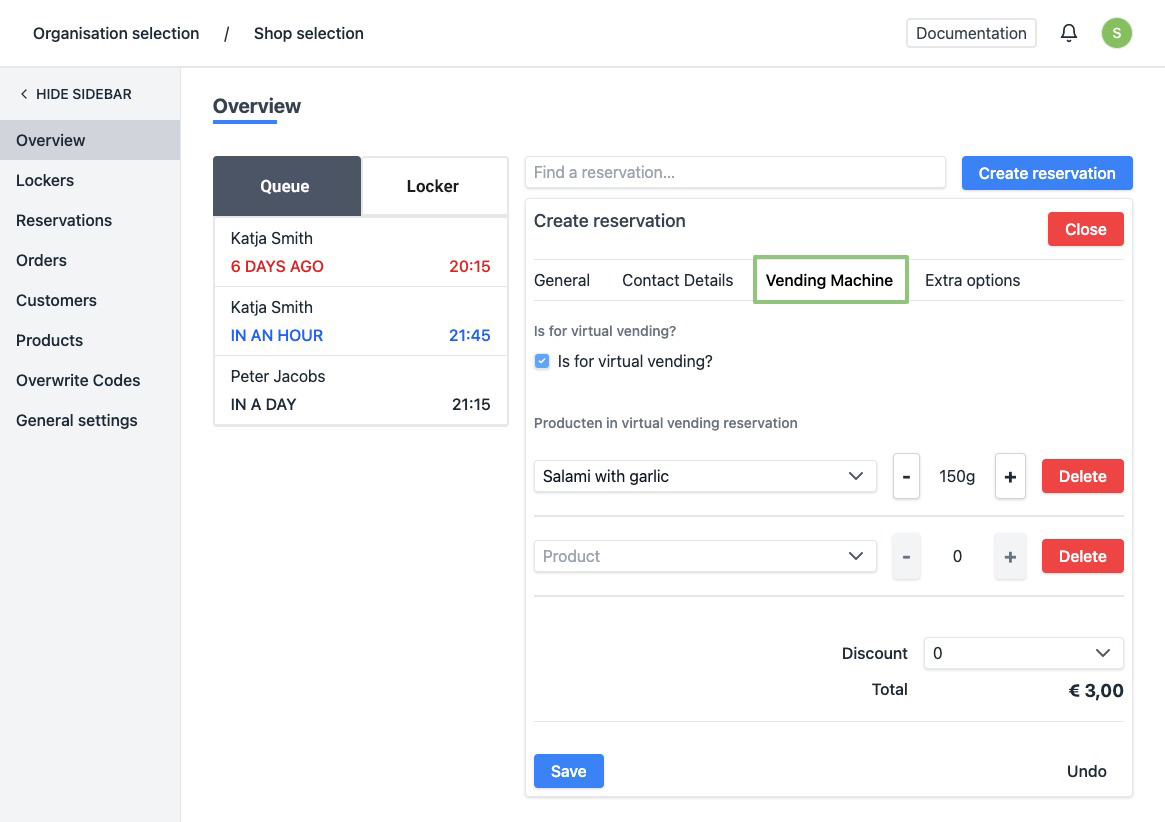
At the top of the form, click Vending Machine to go to the correct tab.
- Is for virtual vending? - Check this box.
- Products in the virtual vending machine reservation - Add all products you want to place in the box, this can be a package or a single product. For more information on how to create products, click here.
- Click on “Save”.
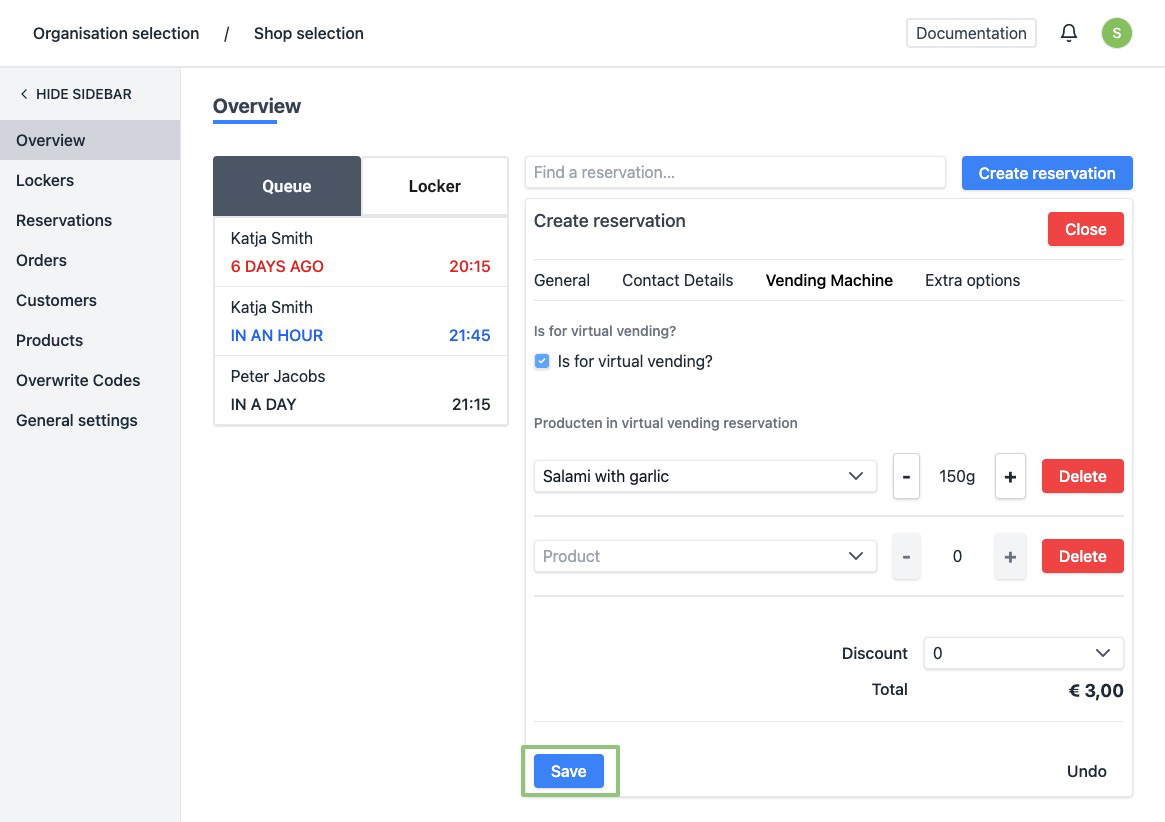
- When created successfully, the page will be refreshed automatically and you can find the status of the reservation at the top. The reservation has automatically been added to "In Wachtrij" list at the left. At the bottom right you will see a message saying the reservation has been created successfully.
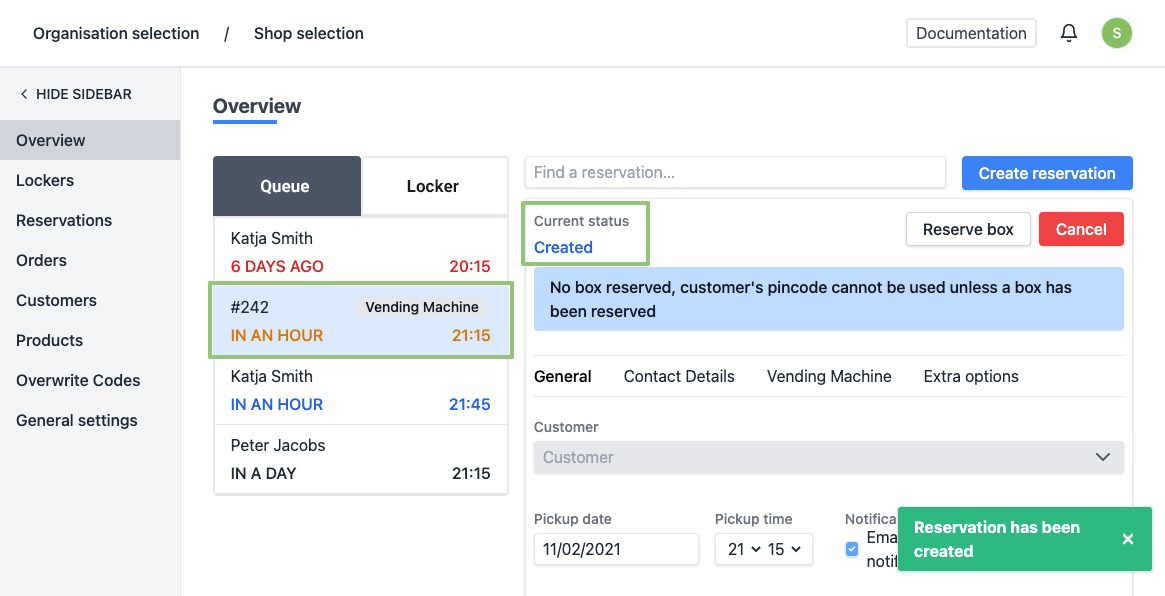
- Once a reservation has been made, a box must be assigned to it.
For more information on how to place a reservation in a box, see How do I place a reservation in a box?