How can I change the colors and my logo?
Show Menu
- Quick Start
- Overview
- Lockers
- Reservations
- Orders
- Customers
- Products
- Overwrite codes
- Virtual Vending Machine
- Settings
- User Settings
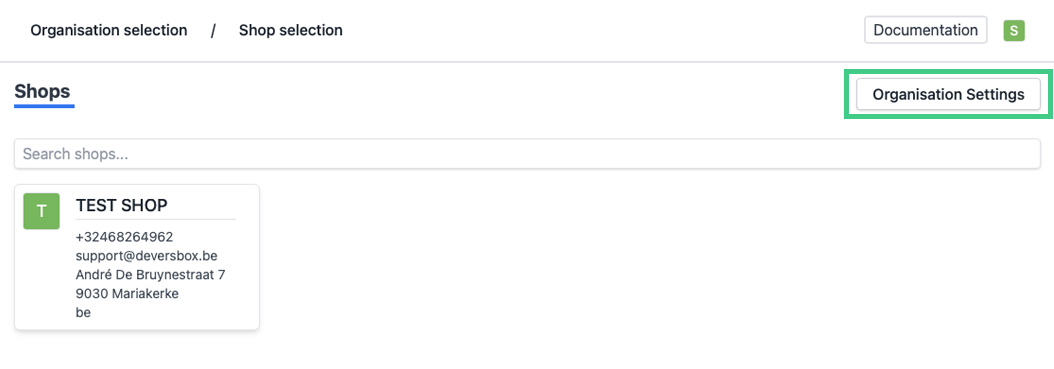
- Log in to https://app.viresmo.com. Select your organisation and, on the top right, click on "Organisation Settings".
- In the menu on the left, go to "Branding settings".
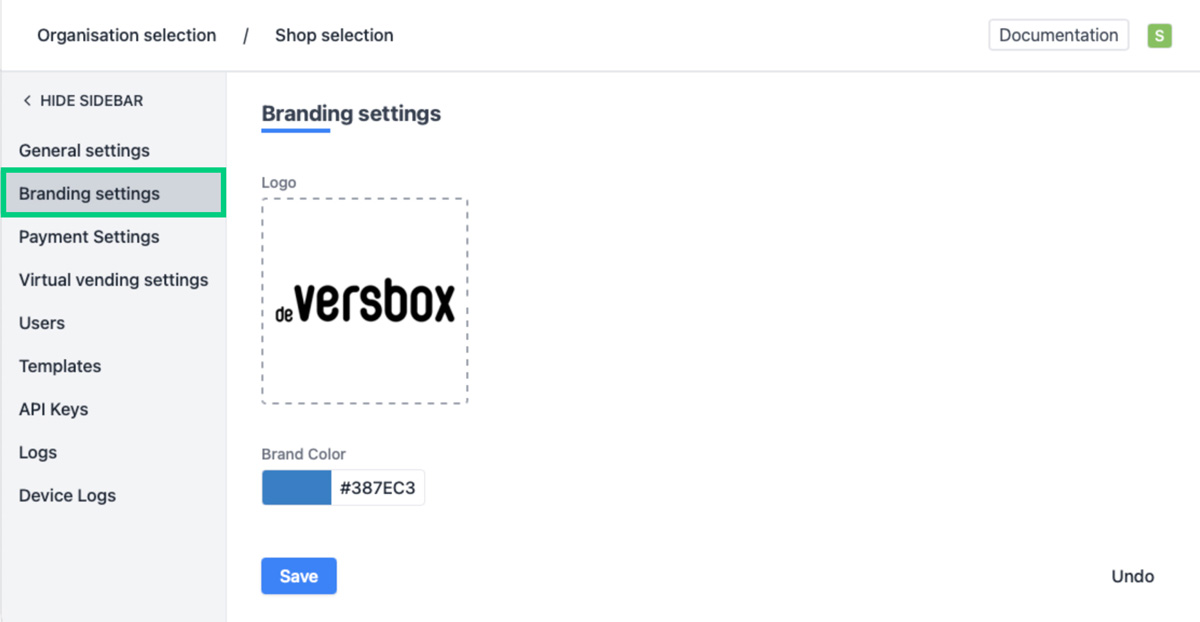
- You will see a form.
You can adjust the layout settings here:
- Logo - To add an image, click on the image area below the logo label or drag an image into it.
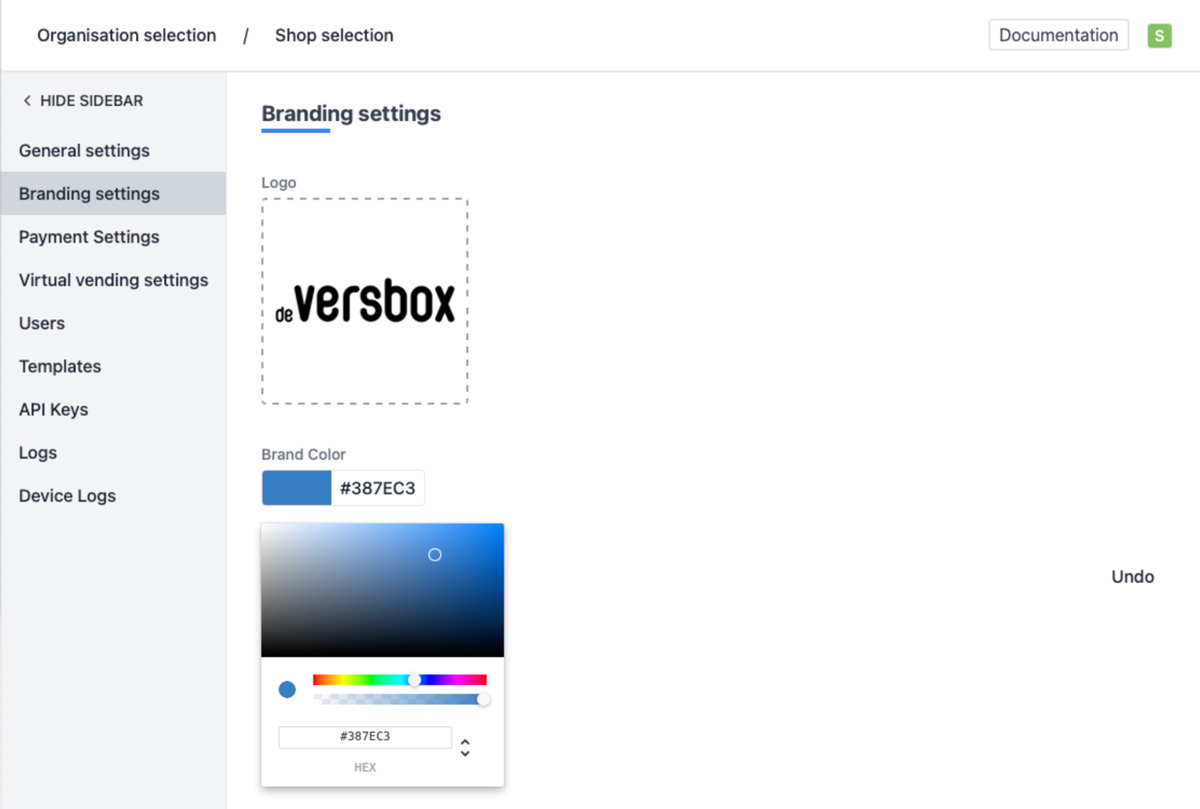
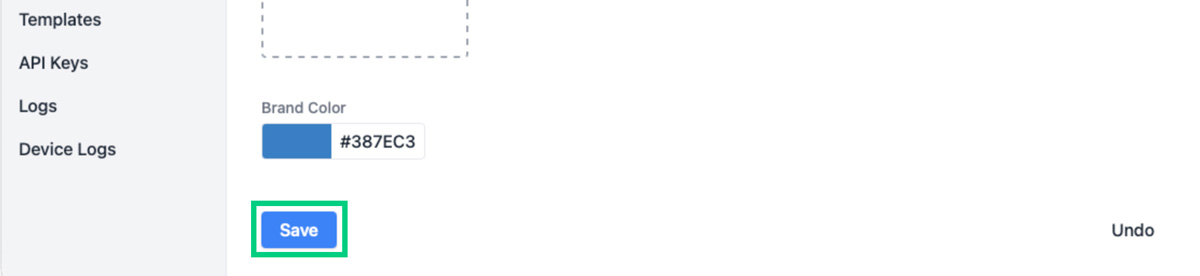
- Brand color - You can enter a color code or choose a color yourself by using the color picker.
-
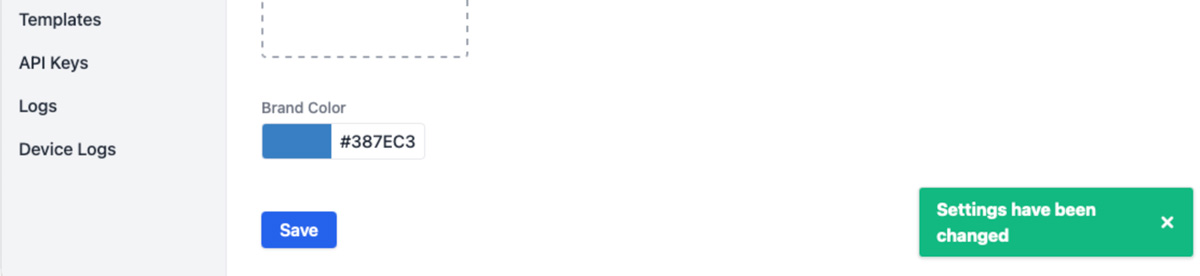
At the bottom of the page, click on “Save” to save your changes.
-
When changed successfully, you will see a notification at the bottom right.