How do I modify the platform's language?
Show Menu
- Quick Start
- Overview
- Lockers
- Reservations
- Orders
- Customers
- Products
- Overwrite codes
- Virtual Vending Machine
- Settings
- User Settings
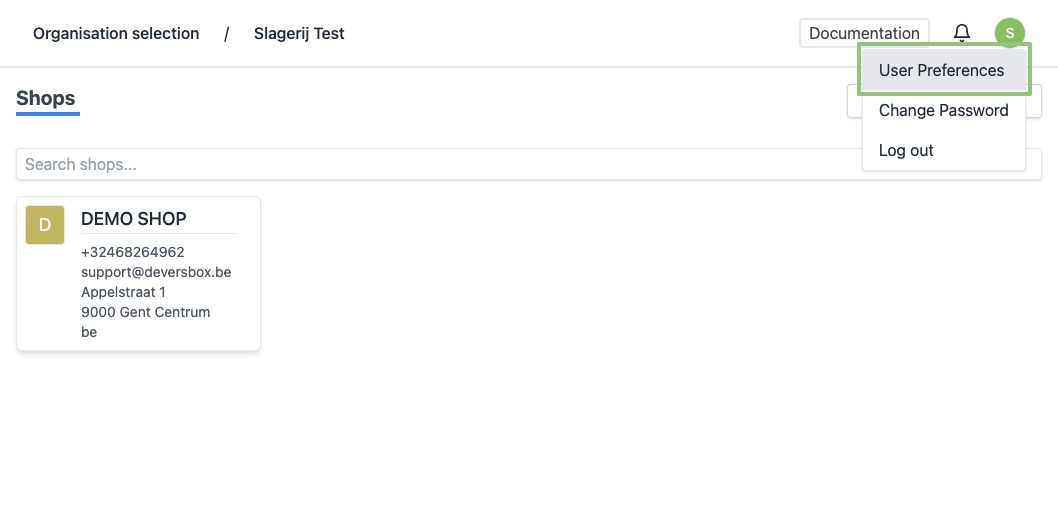
- In the top right corner, click the round icon with the initial of your firstname. A dropdown menu appears. Click “User Preferences”.
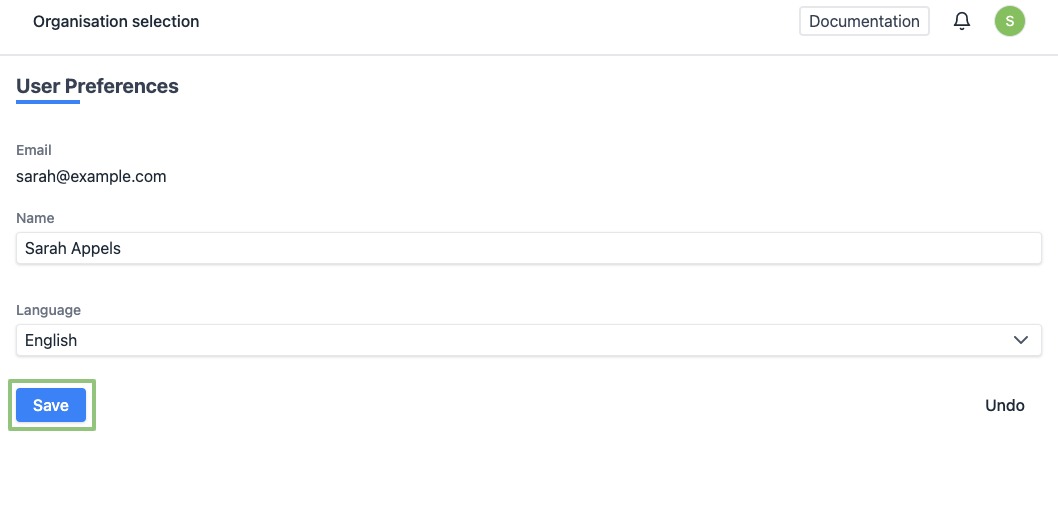
- You will see a form. Click the “Language” dropdown to modify the platform's language.
At the bottom, click on “Save” to save your changes.
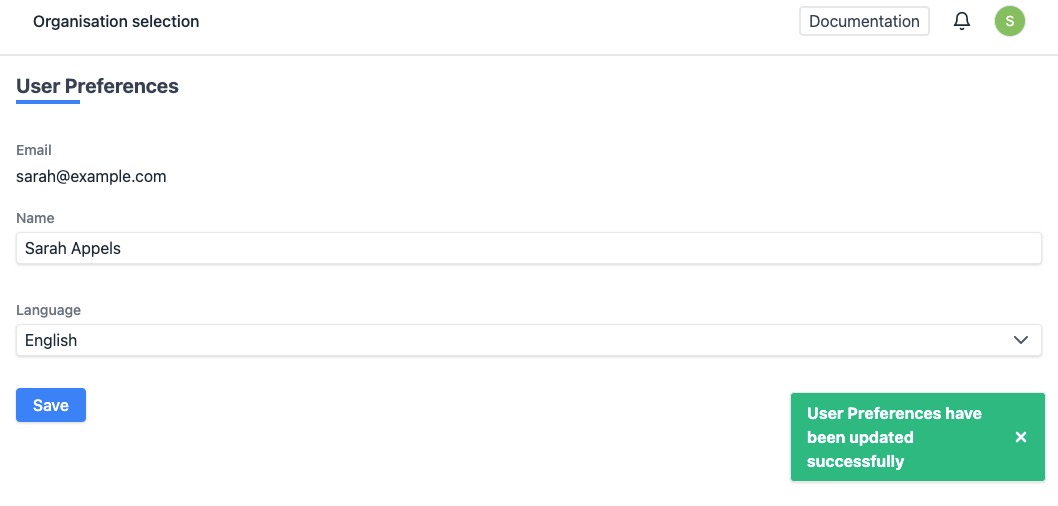
- When modified successfully, you will see a notification at the bottom right.