Can I link my webshop with the platform?
Show Menu
- Quick Start
- Overview
- Lockers
- Reservations
- Orders
- Customers
- Products
- Overwrite codes
- Virtual Vending Machine
- Settings
- User Settings
You can link your webshop with the management platform. When an order is placed on your webshop, you can make sure the order is automatically added to your queue.
For more information you can consult the technical documentation here.
You need a key to access the API. Follow the steps below to create it.
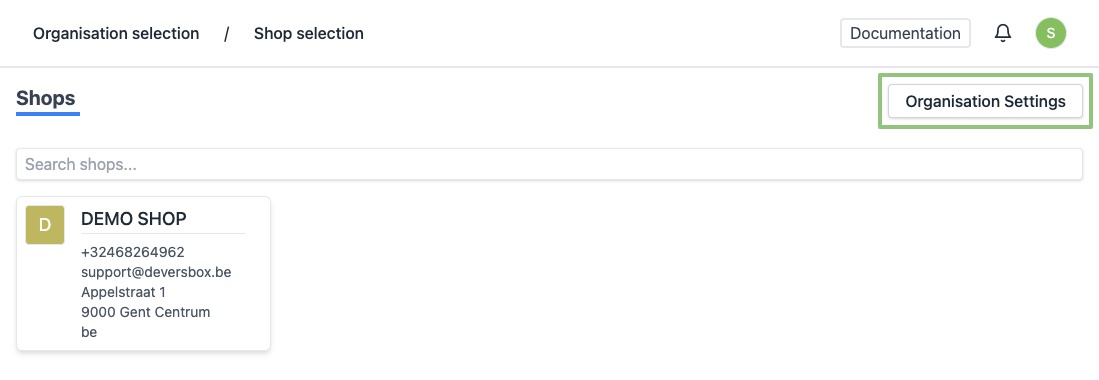
- Log in to https://app.viresmo.com. Select your organisation and, on the top right, click on "Organisation Settings".
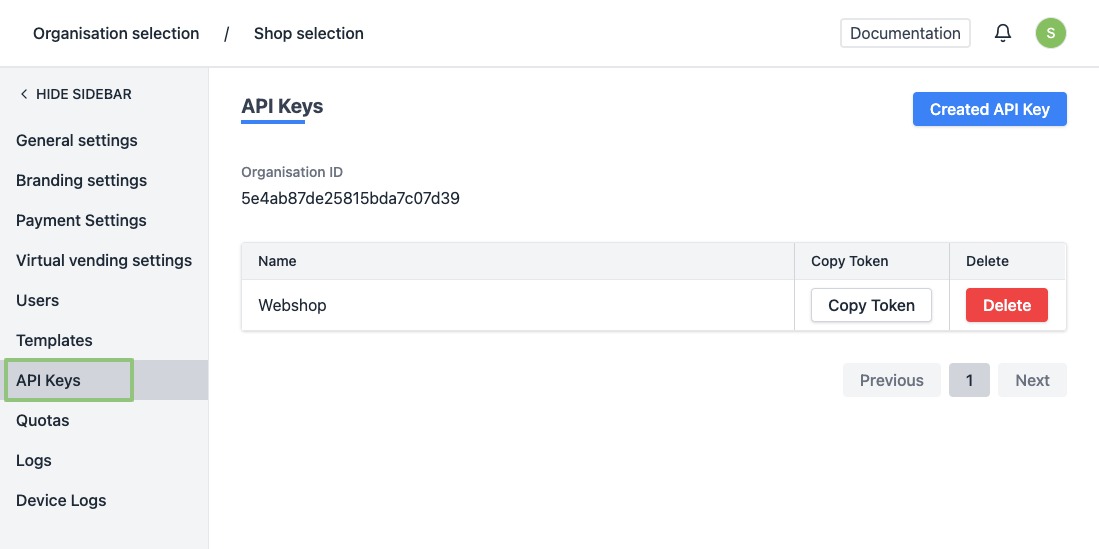
- In the menu on the left, go to "API Keys".
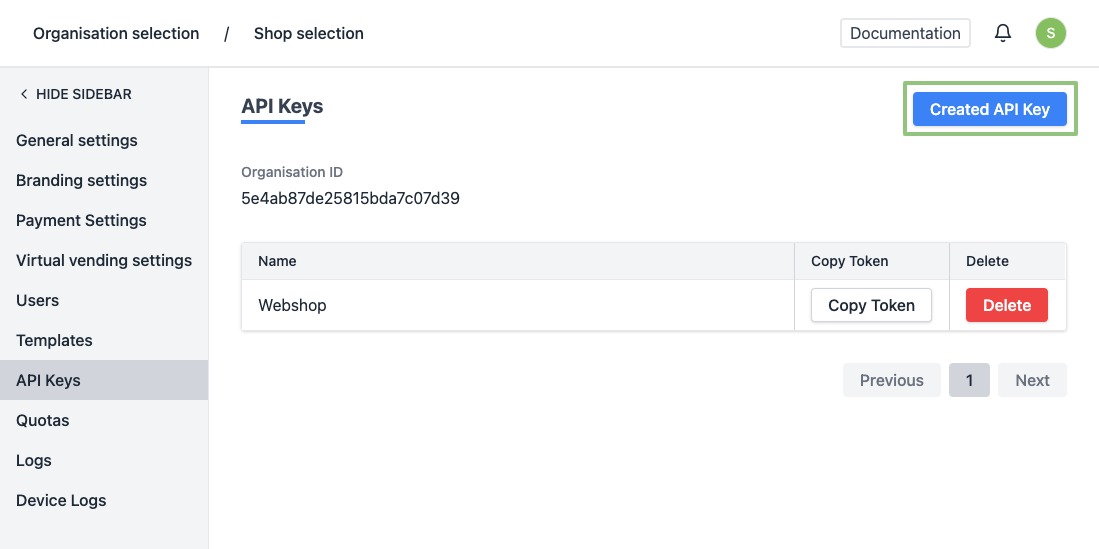
- At the top right, click "Create api key".
- You will see a form.
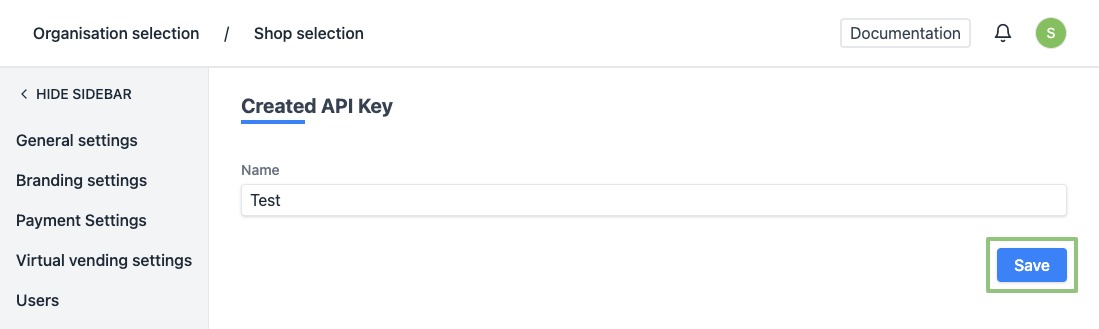
Enter the name of your key:
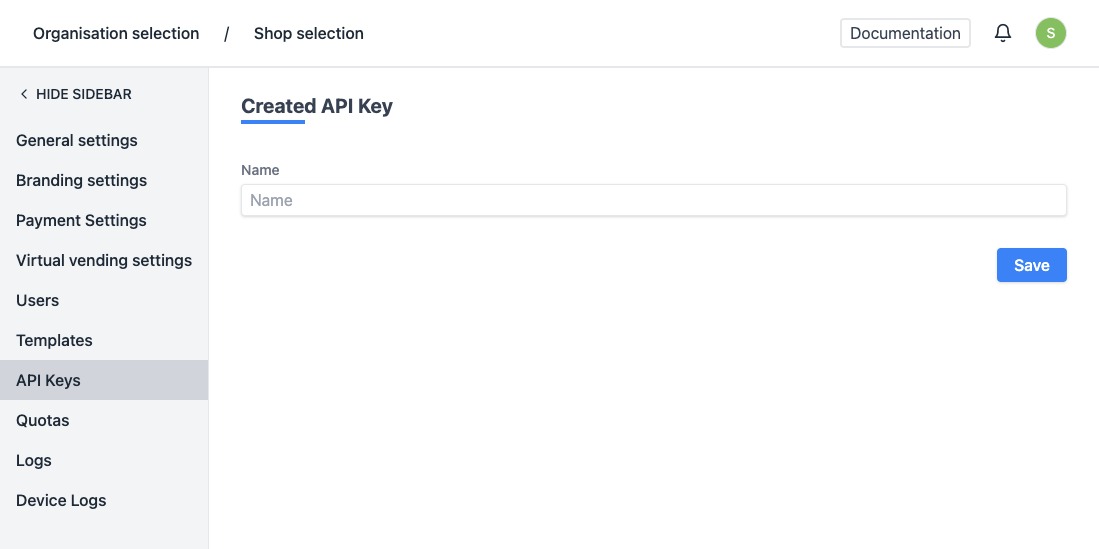
- Click on “Save” at the bottom.
- When created successfully, you will be redirected to the overview of the API keys and you will see a notification at the bottom right saying the template has been created successfully.
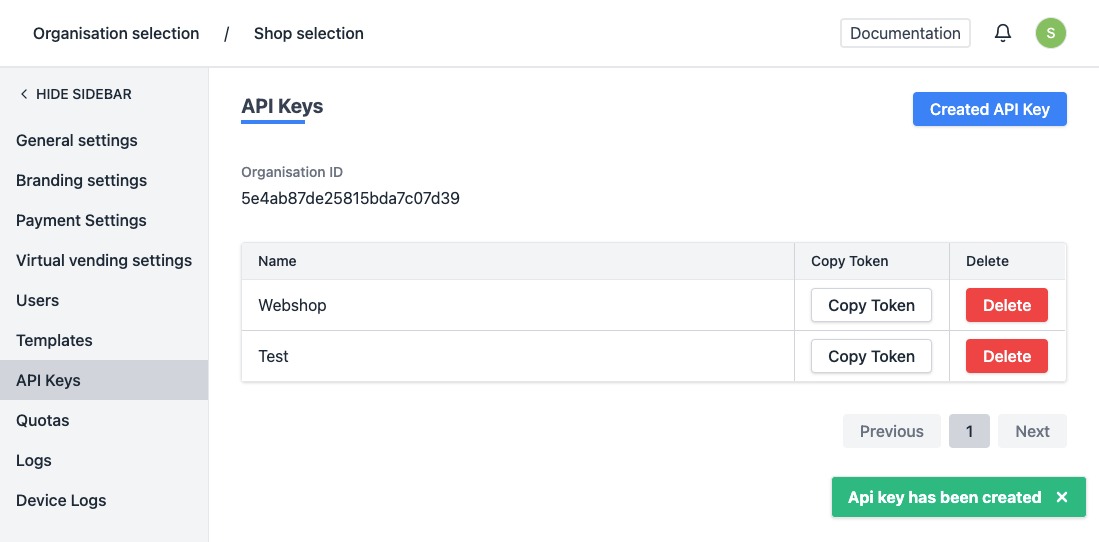
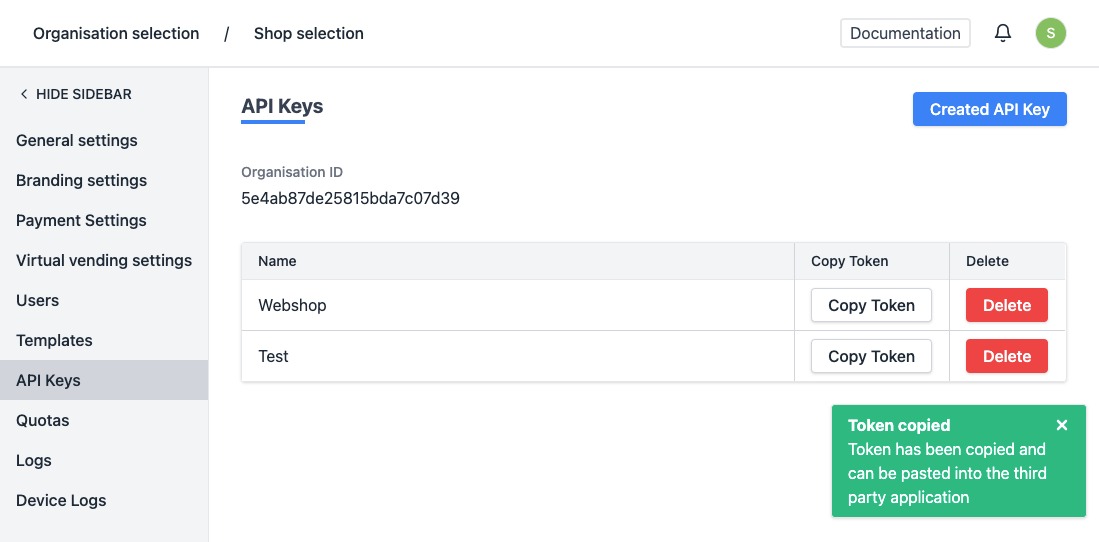
- To use your token, click "Copy Token". The token will be copied and will be made availlable on your clipbord.