What settings can I change for my store?
Show Menu
- Quick Start
- Overview
- Lockers
- Reservations
- Orders
- Customers
- Products
- Overwrite codes
- Virtual Vending Machine
- Settings
- User Settings
- Log in to https://app.viresmo.com. Select your organisation and your store.
- In the menu on the left, go to "General Settings".
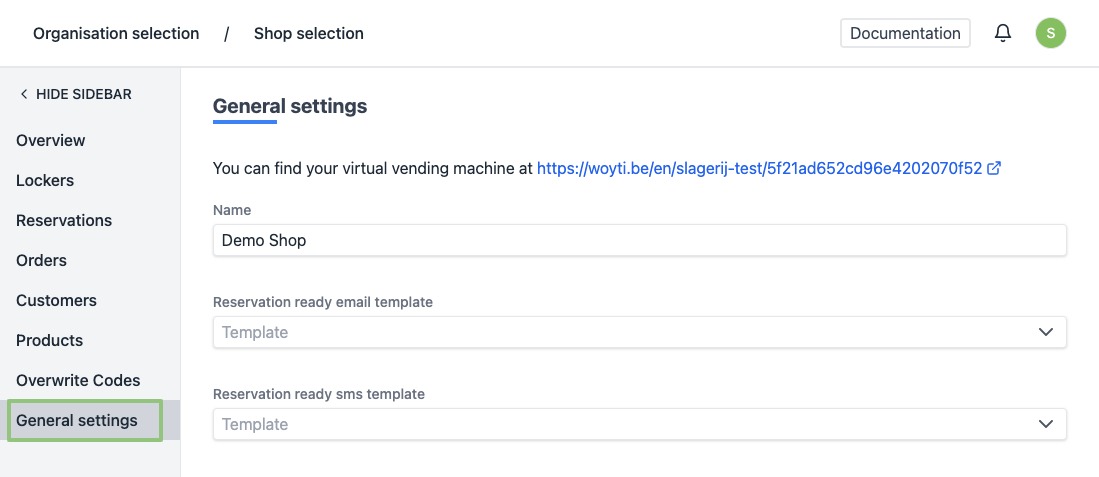
- You will see a form.
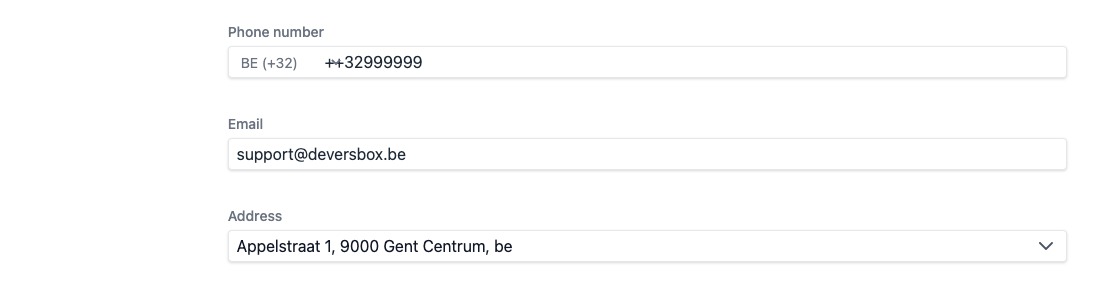
You can modify your contact details.
- Name - The name of the store.
- Contact details: Phone number, Email, Street, Number, Zip code, City, Province, Country
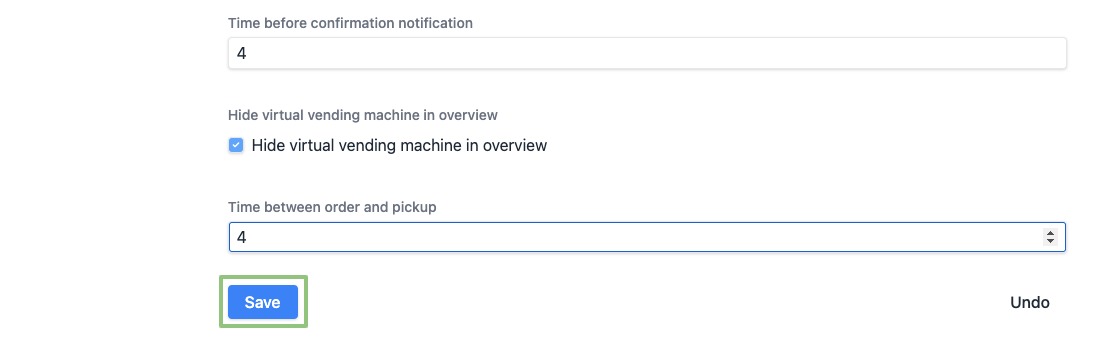
- Time for confirmation notification - Maximum number of minutes before the pickup time that the notification is sent (notifications are only sent automatically when the reservation is in the box).
- Time between order and pick-up - Time span in which the customer can collect his order from the virtual machine.
- Hide pickup machine in public overview - If checked, your personal Virtual Vending Machine website will not be included in the general overview on https://afhaalautomaat.eu
- At the bottom, click on “Save” to save your changes.
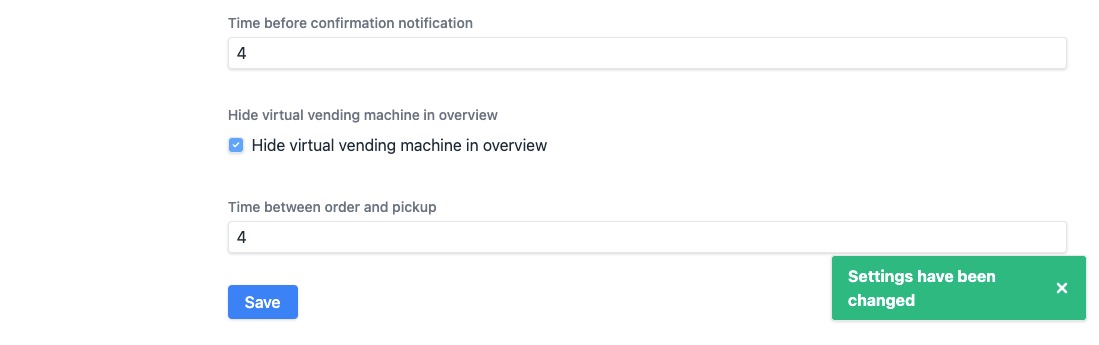
- When modified successfully, you will see a notification at the bottom right.