How do I create an additional user on the platform?
Show Menu
- Quick Start
- Overview
- Lockers
- Reservations
- Orders
- Customers
- Products
- Overwrite codes
- Virtual Vending Machine
- Settings
- User Settings
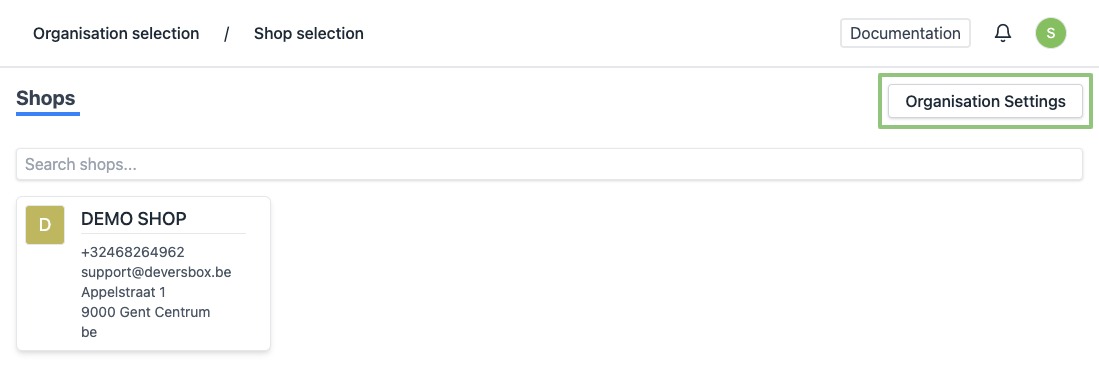
- Log in to https://app.viresmo.com. Select your organisation and, on the top right, click on "Organisation Settings".
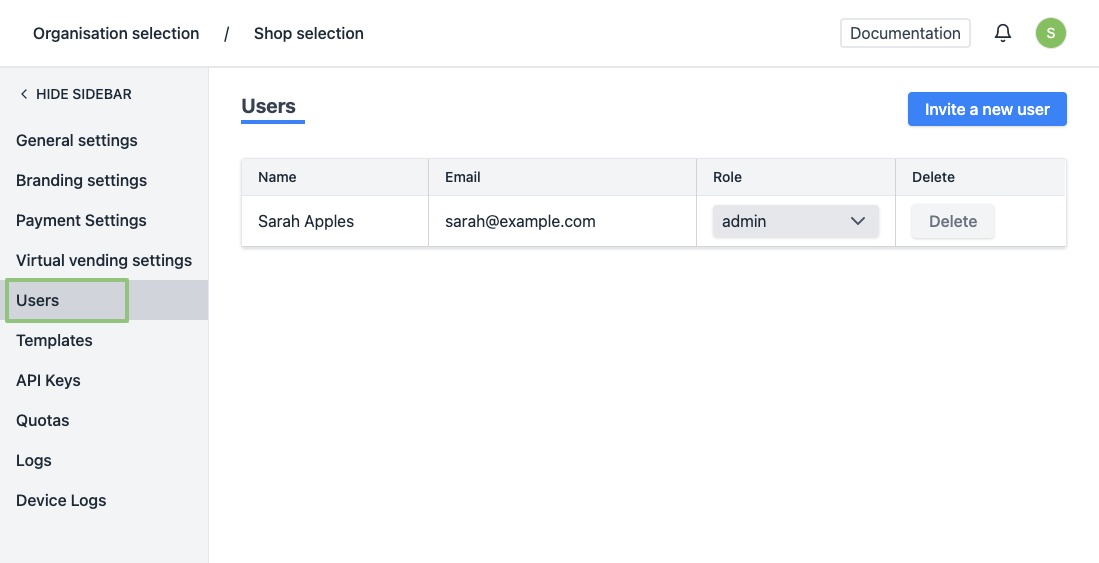
- In the menu on the left, go to "Users".
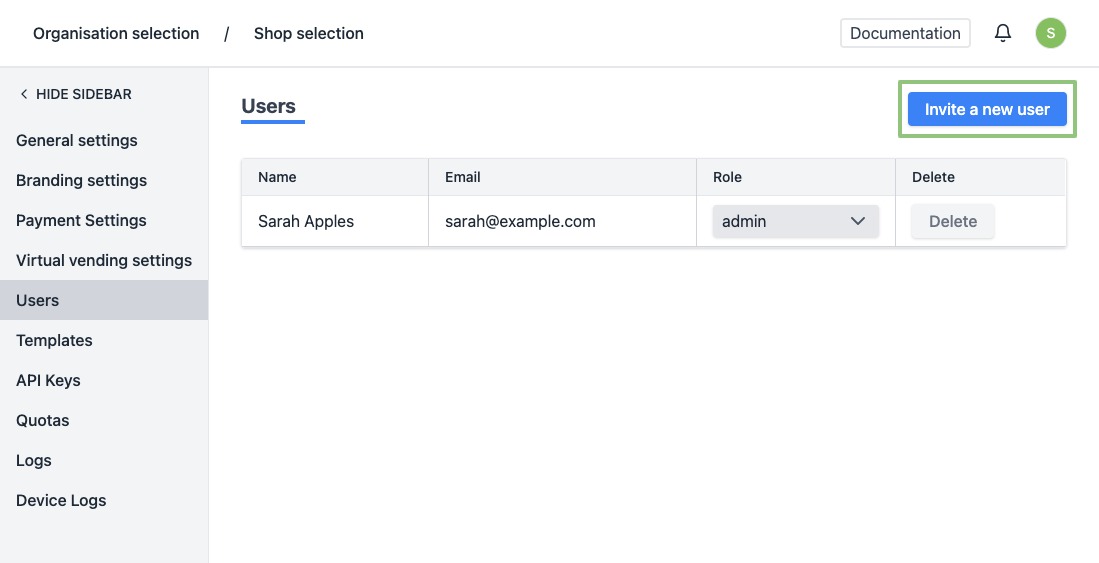
- At the top right, click "Invite a user".
- You will see a form.
Enter the details of the user:
- Name
- Role - There are 2 roles available: Admin and Member. An admin has more rights. He can, for example, change the settings of the organisation. A member does not have rights to the settings and overwrite codes. Use the member role for your staff.
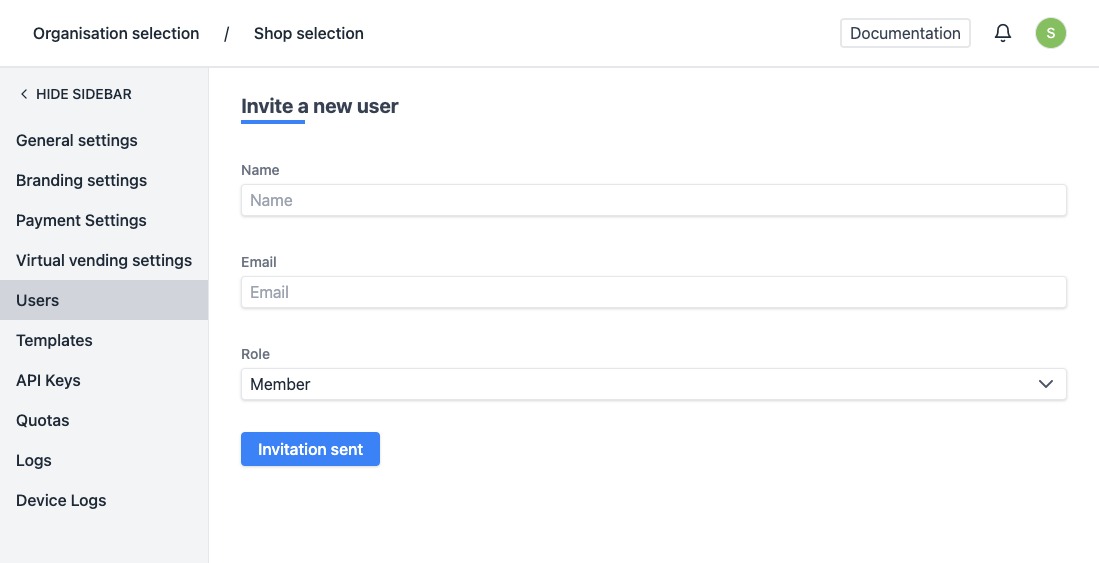
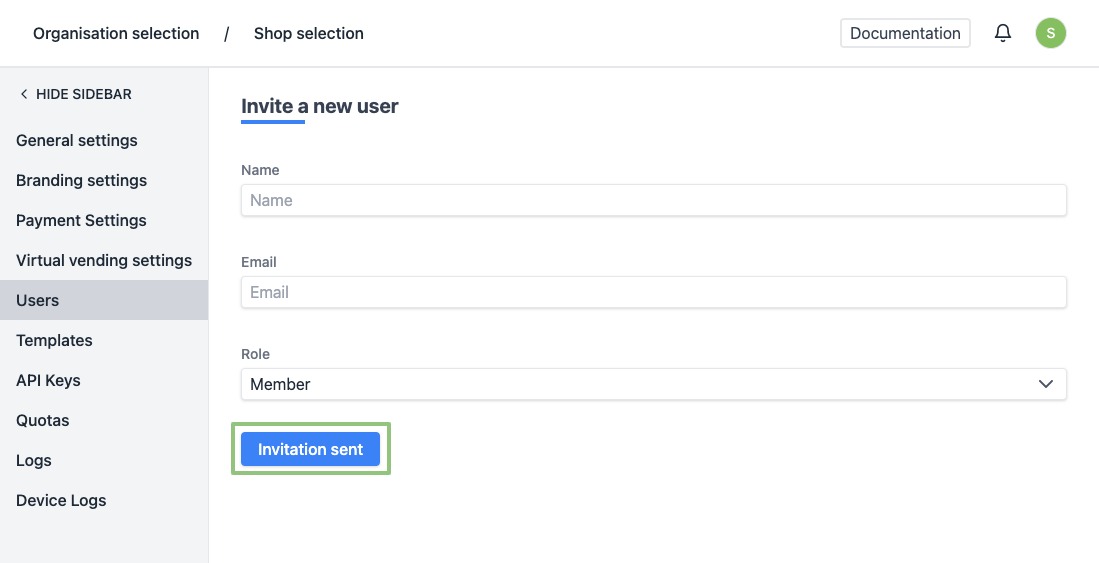
- At the bottom, click on "Send invitation".
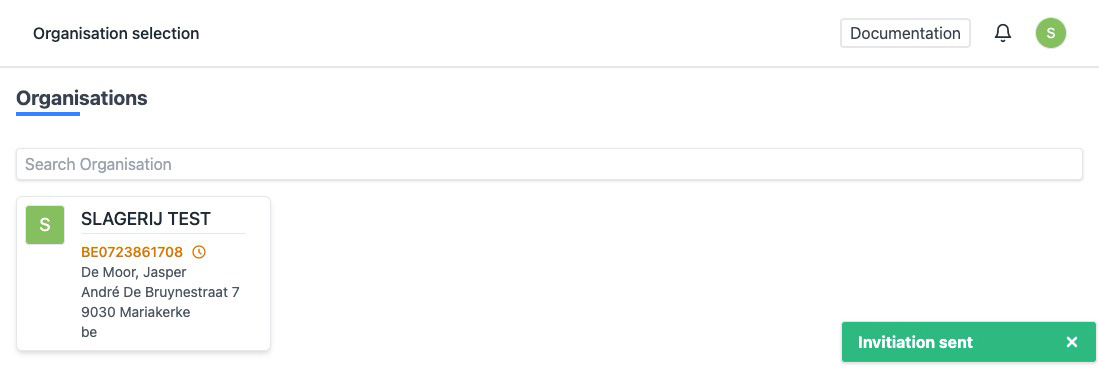
- When created succesfully, you will automatically be redirected to the overview of your oganization. You will see a notification at the bottom right saying the invitation has been sent.
- The invited user will receive an email explaining the steps to take in order to accept the invitation and register on the platform.