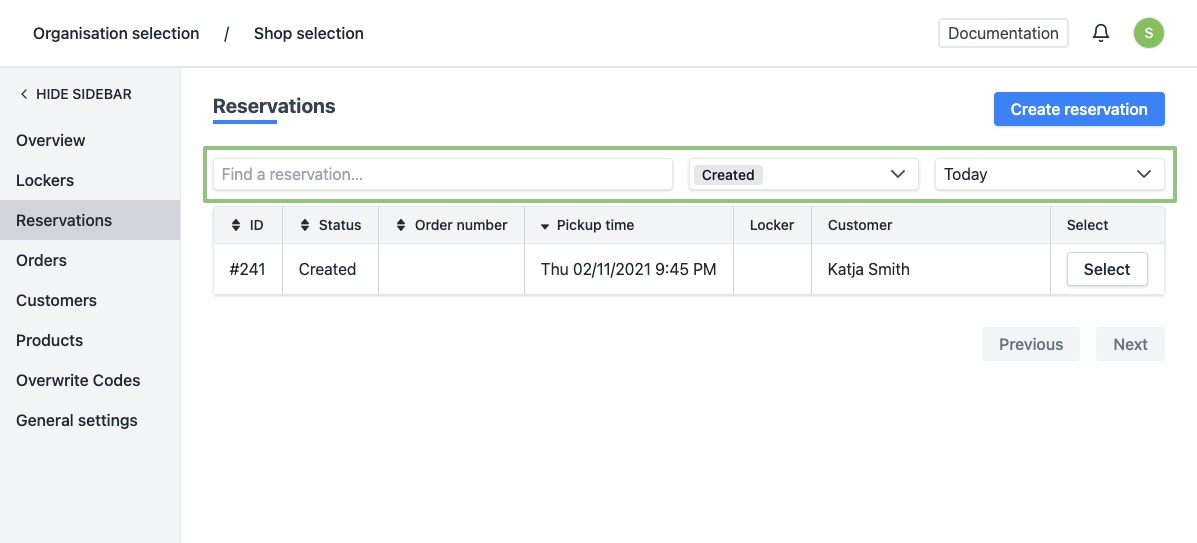
How can I quickly find a reservation?
Show Menu
- Quick Start
- Overview
- Lockers
- Reservations
- Orders
- Customers
- Products
- Overwrite codes
- Virtual Vending Machine
- Settings
- User Settings
-
Log in to https://app.viresmo.com. Select your organisation and your store.
-
In the menu on the left, go to "Reservations".
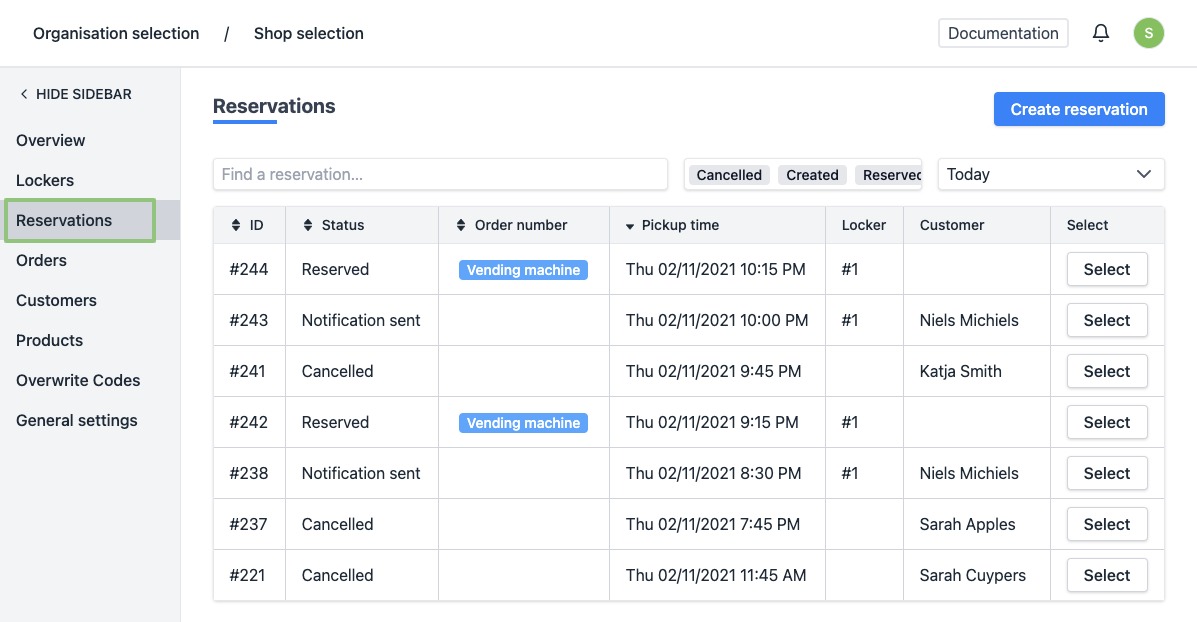
- You will see a list of all your reservations. By default, these are today's reservations.
At the top of the list you can update your search parameters.
You can search for:
- Free text field - Use this to search for e.g. the name of the customer.
- Status (created, reserved, etc.)
- Period (today, tomorrow, etc.)