- Quick Start
- Overview
- Lockers
- Reservations
- Orders
- Customers
- Products
- Overwrite codes
- Virtual Vending Machine
- Settings
- User Settings
order: 10
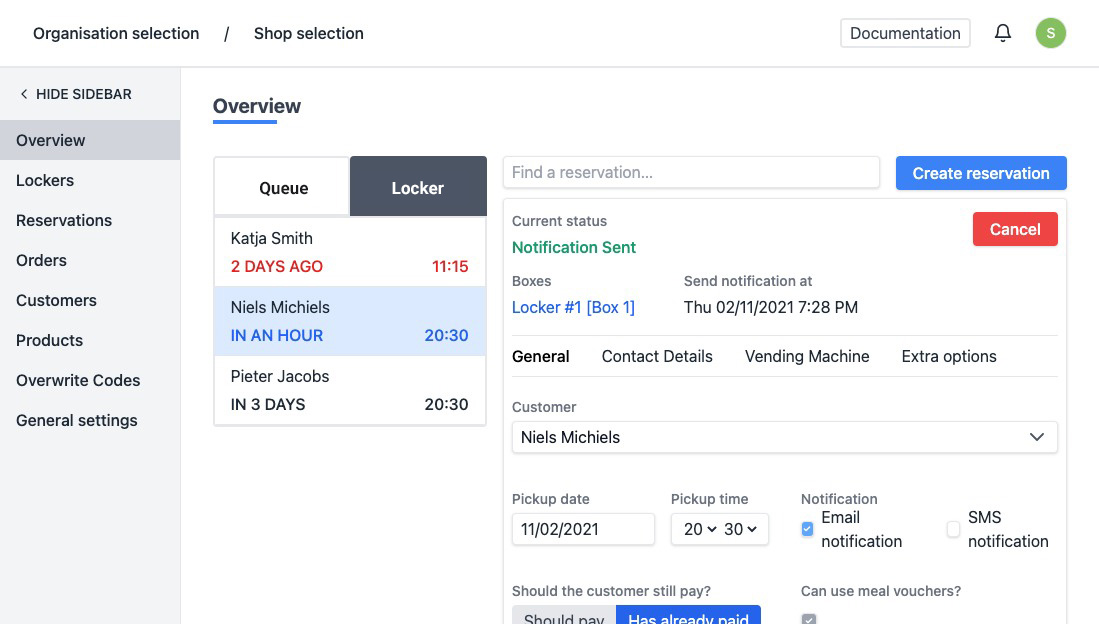
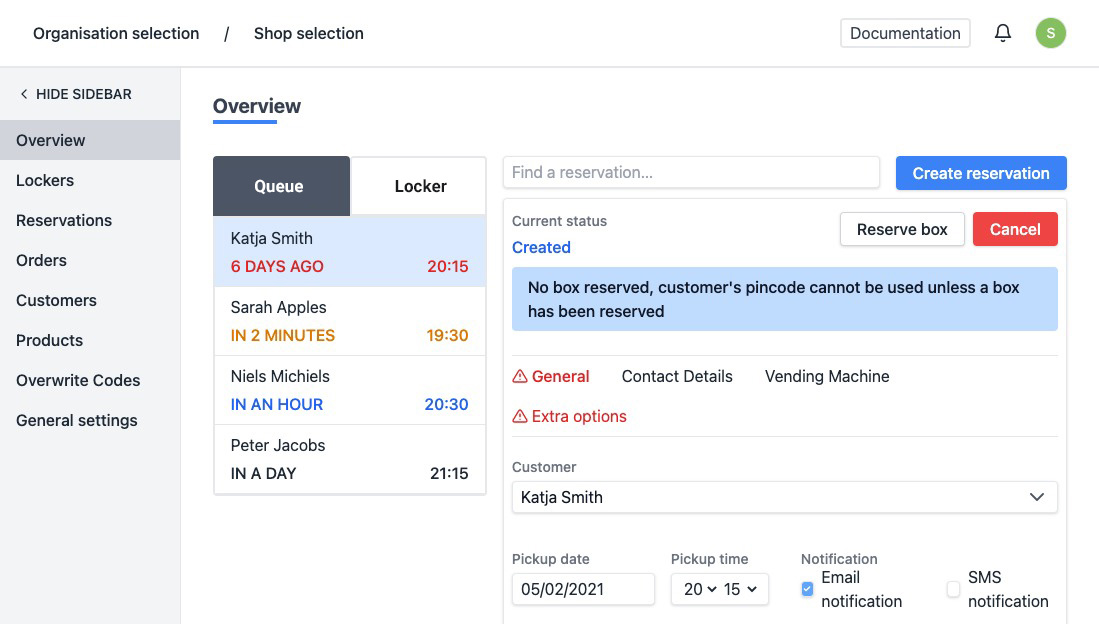
On the overview, you can monitor the current status of your reservations at a glance. Important notifications are shown in a red bar at the top of this page.
The overview is divided into 2 blocks:
- Right: Choose whether you want to see the reservations "In Wachtrij" or "In Locker".
- Left: The detail of a reservation that you selected on the right.
In Wachtrij
The reservation has been created but has not yet been assigned to a box. The reservations are automatically arranged according to the pick-up time. The color changes as the desired pick-up time is over or approaching. Once the reservation has been assigned to a box, it will automatically disappear from this overview.
In Locker
An overview of the reservations that are in a box. The reservations are automatically arranged according to the pick-up time. The color changes as the pick-up time is over or approaching. Once the order has been collected, it will automatically disappear from this overview.