What are orders?
Show Menu
- Quick Start
- Overview
- Lockers
- Reservations
- Orders
- Customers
- Products
- Overwrite codes
- Virtual Vending Machine
- Settings
- User Settings
Here you can find an overview of the payments that have been made. These are payments via the Virtual Vending Machine as well as payment requests which the customer received via email.
- Log in to https://app.viresmo.com. Select your organisation and your store.
- In the menu on the left, go to "Orders".
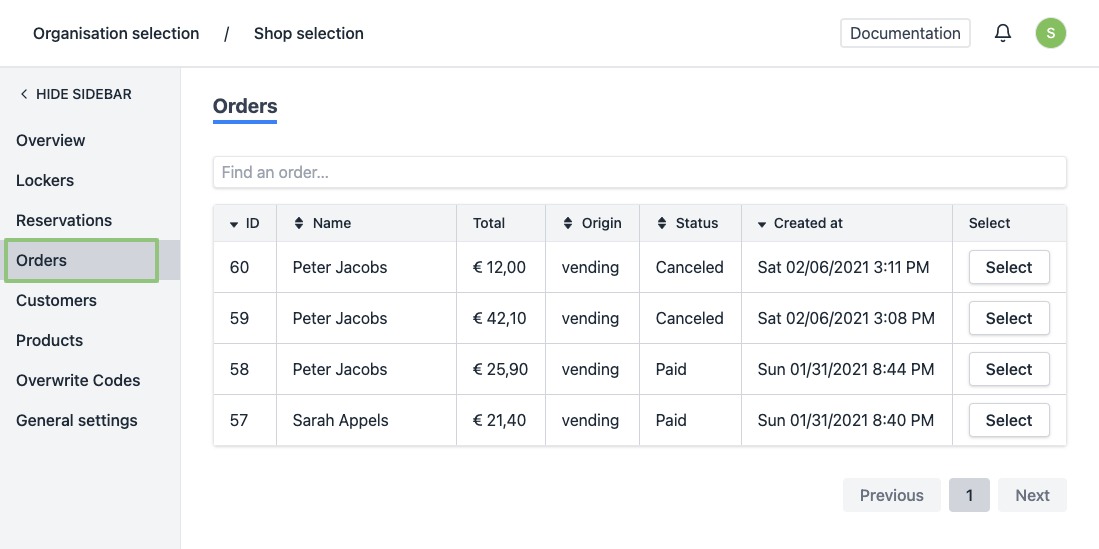
- You will see a list of all created orders and their status.
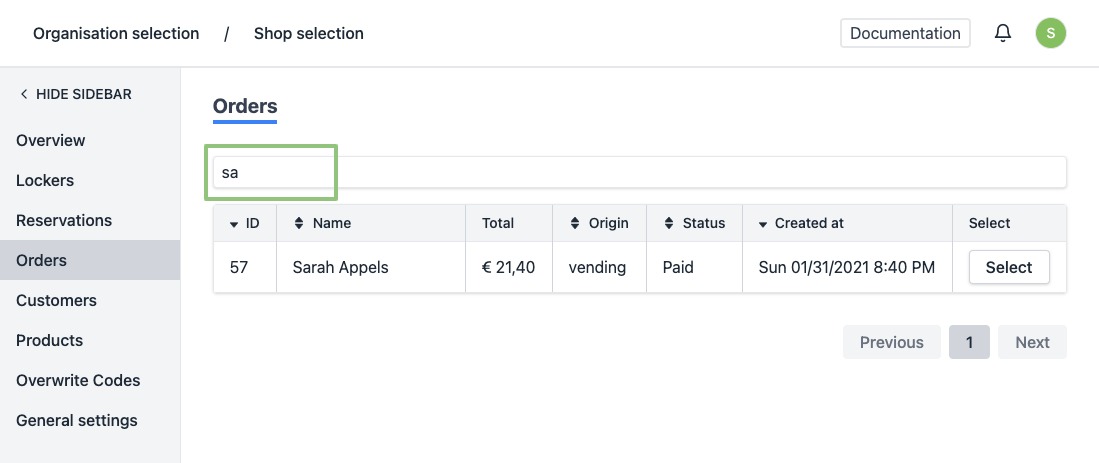
- Click on the row or the button “Select” of the order you wish to view. Can't find the order? Use the search field at the top of the list to easily find the order.
- You will arrive at the order's detail page. Here you can find more information about the order and its origin.